TAPOUT - MCP server for ONTAP to E-Series migration
Introduction
This is another of MCP-related posts about E-Series.
My first MCP server for E-Series, Easy-E is about using MCP and AI agents to evaluate the suitability and effectiveness of various Disk Group/Pool and LUN configuration approaches for workloads that can benefit from micro-management.
We want that when dealing with demanding workloads where IOPS and MB/s matter, and when dealing with large workloads data capacity-wise, where cost optimization must be performed. As a reminder, Easy-E does the following:
- create volumes (LUNs) of desired RAID type and size on DDP
- present them to specified host(s) using host-side automation
- select suitable benchnmark for the workload and evaluate performance by running workloads on presented LUN
- (TODO/WIP) agents run multiple workloads with different configuration parameters and suggest top choices (highest perf, lowest raw capacity, etc.)

I later realized this can also be useful for generic use cases: even if we're not running on E-Series, we can evaluate application options. So another use case is general workload optimization: you may want to take a workload from anywhere, and evaluate it with agents in MCP Easy-E.
But, that's not to say there are no merits in permanently moving data to E-Series: if your workload is in any of the categories I blog about in the context of E-Series/EF-Series, you may consider using MCP Easy-E to plan for migration and decide your optimal DG/Pool and LUN layout.
Another situation is where you have changed your data management workflows to use application-native backup or replication, or where the application now compresses data by default and there are no efficiency gains from data compression.
No matter whether it's permanent or temporary, another MCP server may be needed to ease that.
I used ONTAP as Source in my Proof of Concept implementation. Support for additional sources (including E-Series), can be easily added.
MCP TAPOUT
In its initial implementation MCP TAPOUT helps you seamlessly migrate ONTAP LUNs to E-Series using the iSCSI protocol.

MCP TAPOUT performs the following tasks:
- Find available SVMs and LUNs
- Lets you choose LUNs to migrate via iSCSI
- Creates a temporary iGroup for our iSCSI Target Host
- Depending on chosen strategy, presents selected LUNs to a temporary iGroup with Target Host or clones the LUN to a new LUN presented to the same iGroup
- Logins to Host via SSH, discovers LUN and logs into target
- Uses modules from other MCP server package (or calls its MCP API), Easy-E, to create LUN of the same size (user is asked to pick desired VG/DDP)
- Auto-detects FS on Source LUN and uses one of several mechanisms to copy data (SRC->TGT) on the host with a fallback to binary device copy
rsyncdd- LVM
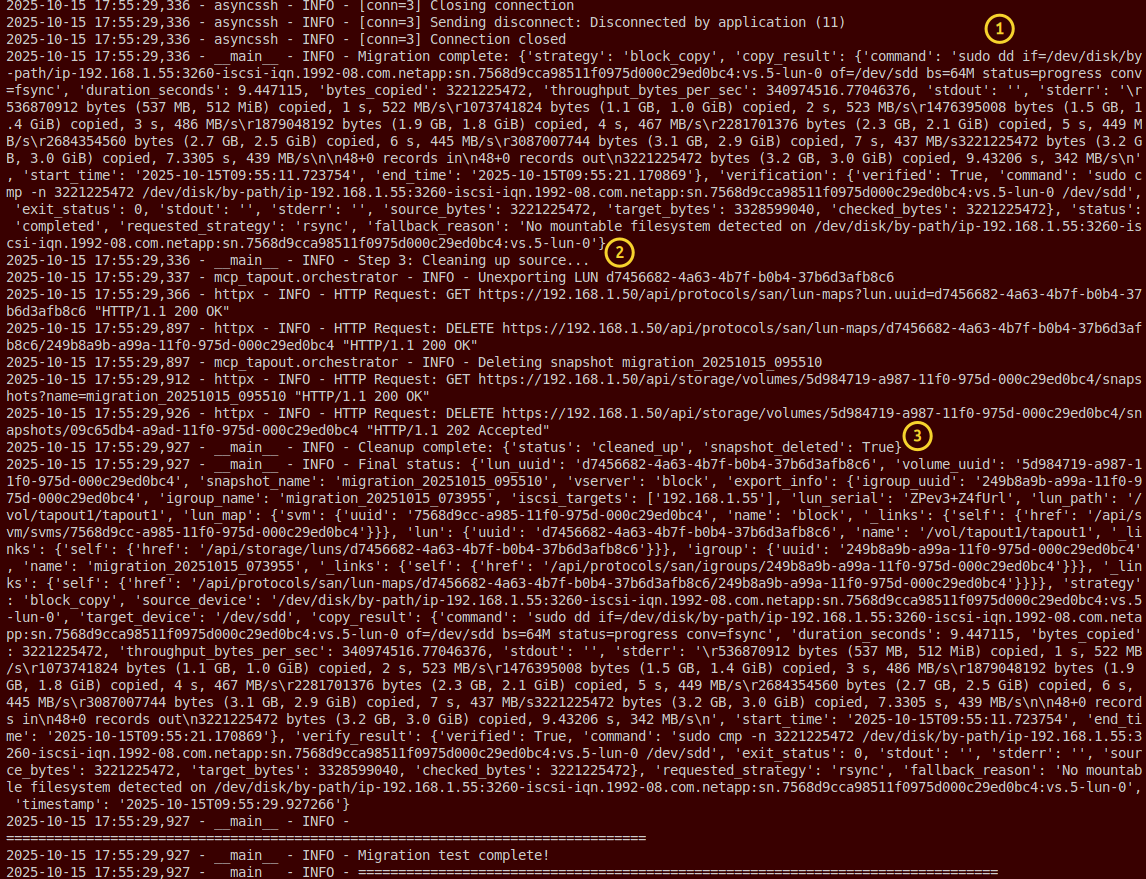
- Cleans up temporary iGroup while the clone LUN (or a snapshot) is left for the ONTAP admin to delete once migration is confirmed successful
If you're unsure which DG/Pool is better, you can repeat this twice to create one copy on more promising VG and Pool, or two kinds of volumes in the same pool. Easy-E can run multiple bennchmarks and give you a comparison.
Current status and next steps
It works. You get a list of LUNs you can migrate and their sizes. MCP TAPOUT helps you recommend best candidates among ready-made LUNs.
Normally this is where MCP Easy-E would kick in to check E-Series VGs/DDPs and recommend where to create LUNs of the same size, but I don't have E-Series in this lab environment. A snapshot or clone of Source LUN can be created for extra precaution. Obviously at this point workload on Source LUN would be stopped.
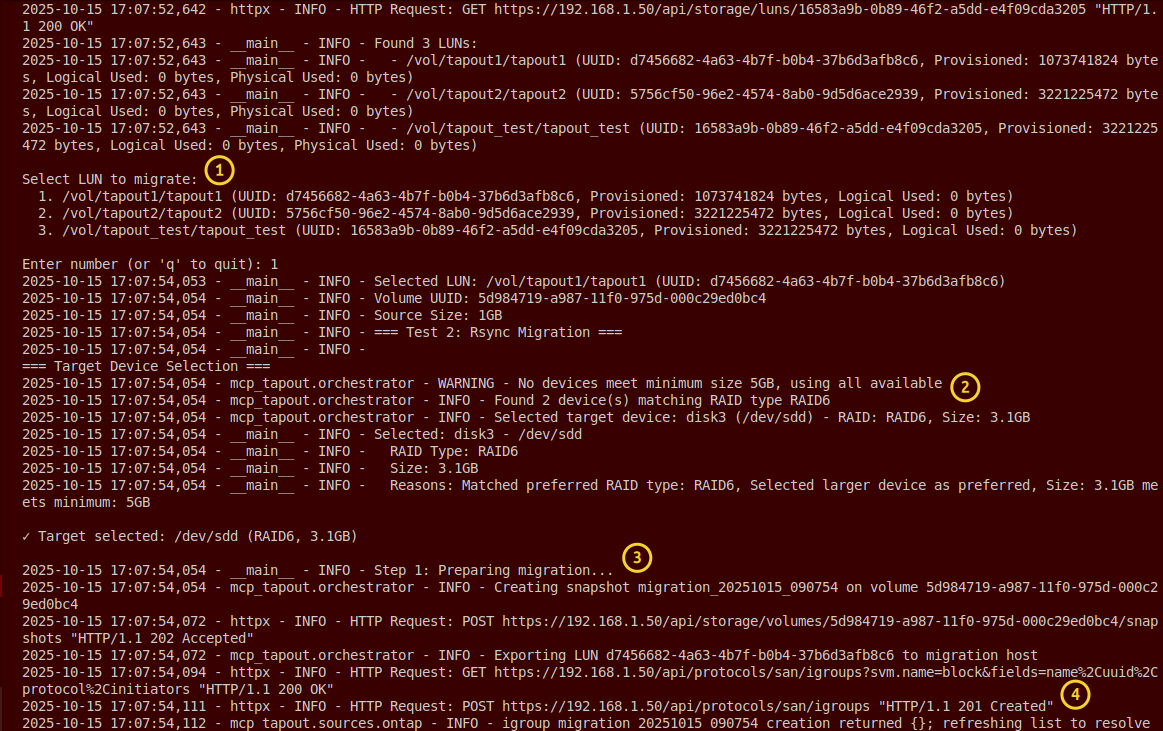
Once Source volume is accessible, we map it on the host that can access E-Series as well, Easy-E creates suitable LUN of the same size, and then TAPOUT uses your preferred approach to copy data from Source to Target.
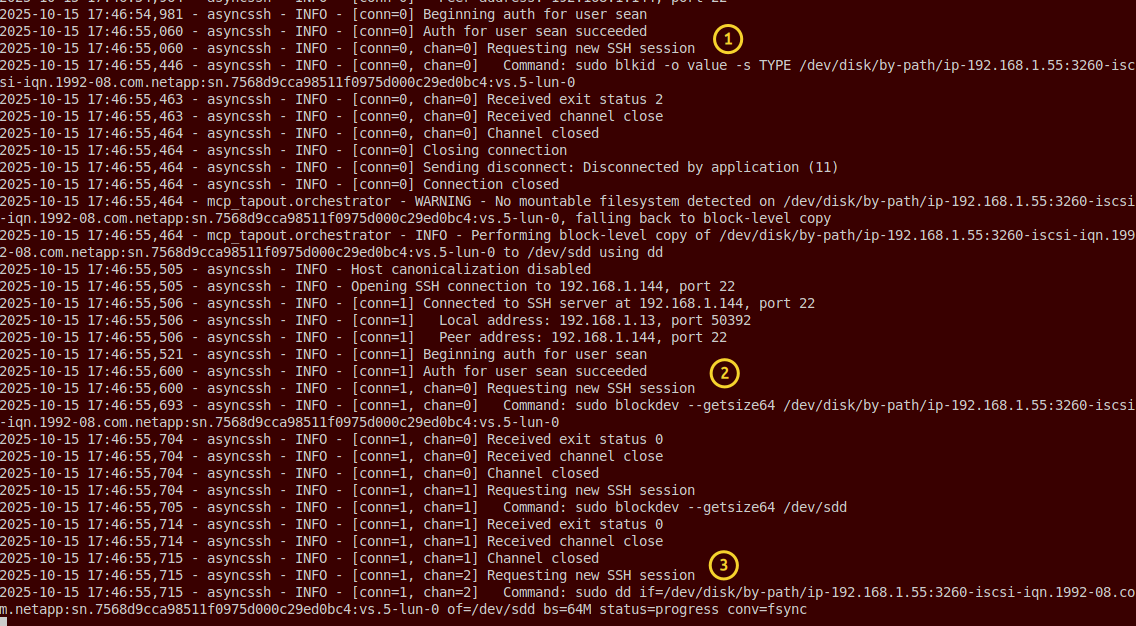
If rsync is used we can throttle, if something else, you can throttle on ONTAP with QoS if you need to.
Once we're done, we perform validation, log out from the Source LUN, and clean up on ONTAP (delete temporary iGroup while snapshot/clone may be deleted or left as they were).
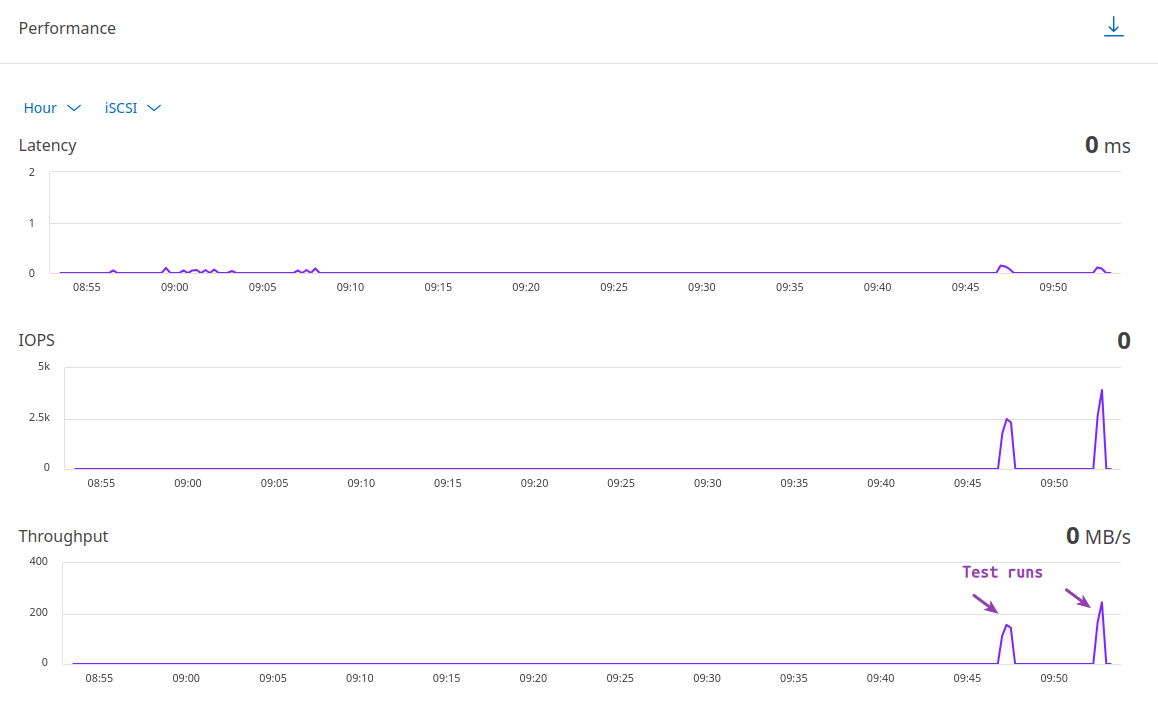
All in all, it works well and saves time.
I did take some shortcuts. For example, I use dd as the easiest approach because I don't have to deal with filesystems that way. I used that approach in SolidFire backup automation as well, but that wasn't great because SolidFire has efficiencies. E-Series does not and the more recent models don't even support Thin Provisioning, so there's nothing to be lost by performing a full block copy!
Obviously, different variants may be offered and I have the option to do 1:1, 115%, and 125%, when creating LUNs on Destination. This being an MCP server, you don't have to have it hard-coded, you can simply accept (ORIGINAL_SIZE + ADD_ON_BUFFER) where the buffer is a range(0,50) percent, for example.
The other shortcut I made was lack of multipathing to ONTAP LUNs. As you can see in the screenshots, I didn't use it. I could, but why? Single path is good enough for one-off read-only sequence for the purpose of migration.
I like how MCP TAPOUT leverages and hooks into MCP Easy-E and I'm happy to see that TBs of data can be easily migrated this way.
Next steps: I'm lazy to write the documentation and test it, but if someone with a bunch of E-Series arrays is interested in this, let me know.