FSCrawler for basic filesystem analytics in Elasticsearch
Introduction
Sometimes you want files, directories, and even content indexed and searchable for whatever purposes.
FSCrawler does that, it also stores various metadata (and allows you to customize it, obviously) and it's free.
It uses Apache Tika and can optionally perform Tesseract-based OCR. See their docs for more.
What is it and how it works
To use it, install Elasticsearch, get your documents ready, and then create and run FSCrawler jobs that send data to Elasticsearch.
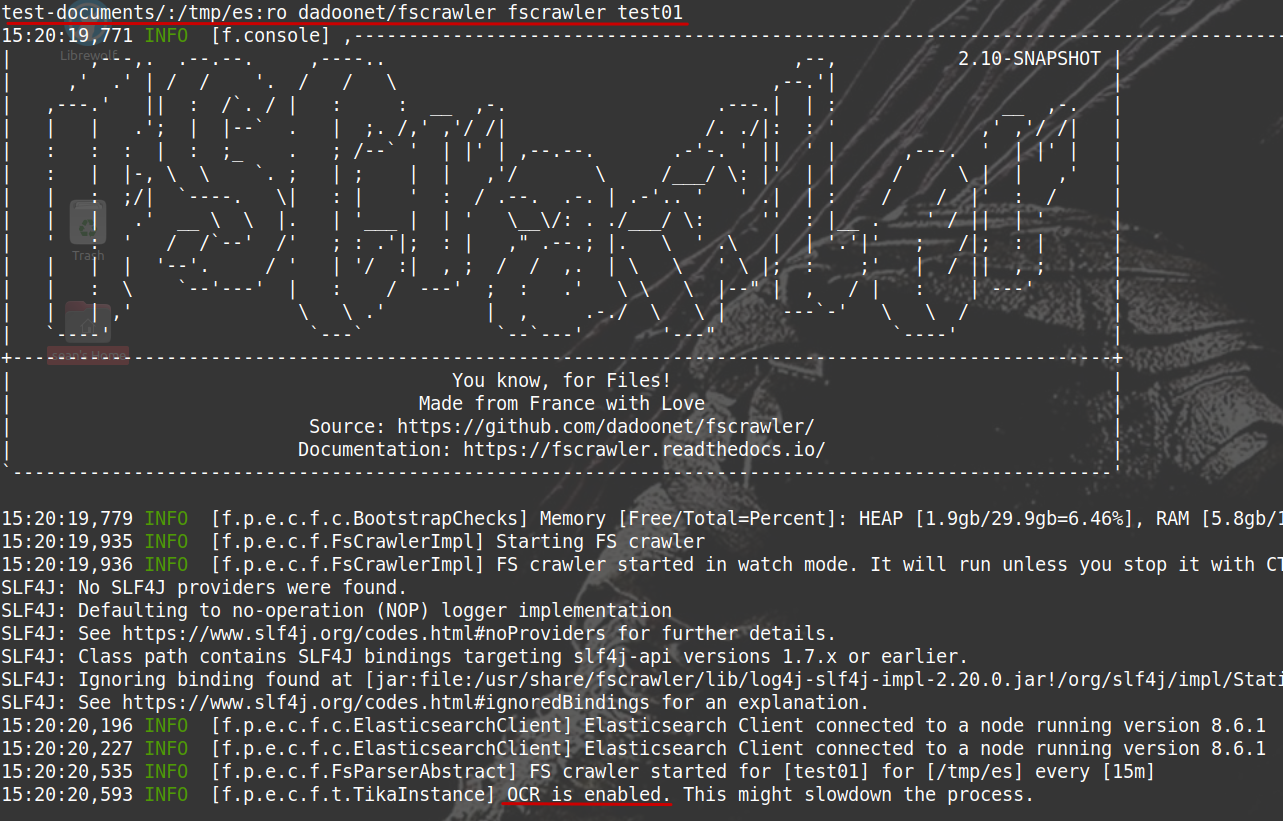
Here's an example of FSCrawler running a job (test01) that scans a directory which contains PDF documents, does OCR on them, and builds a job index in Elasticsearch 8.
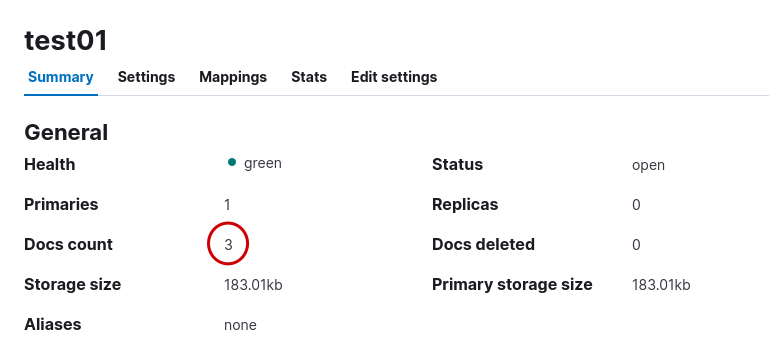
As expected, my index contains three documents.
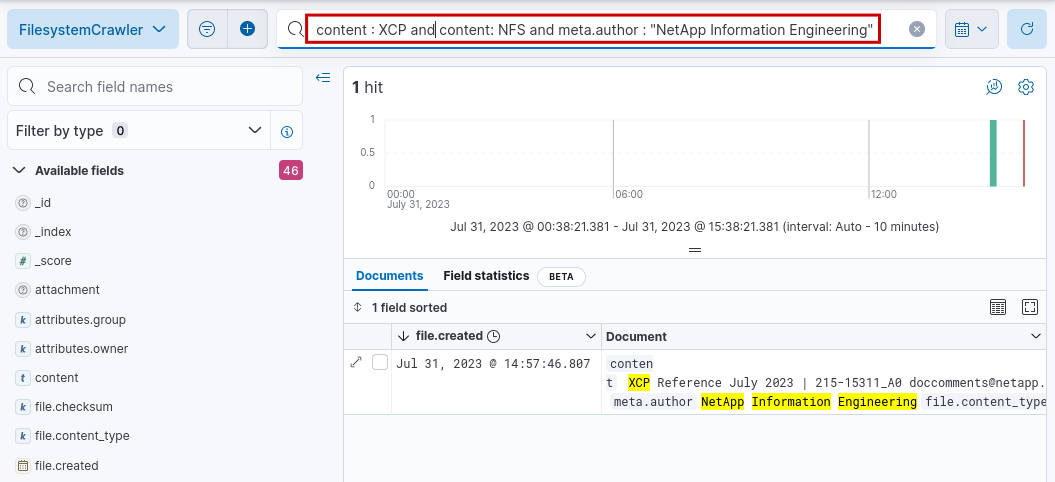
We can search based on metadata and even content.
Text content from the OCR-ed PDF files may be made available in the content field and is searchable. For sensitive documents, maybe you want to drop that content, or not scan them in the first place - especially if your Elasticsearch instance isn't tightly managed.
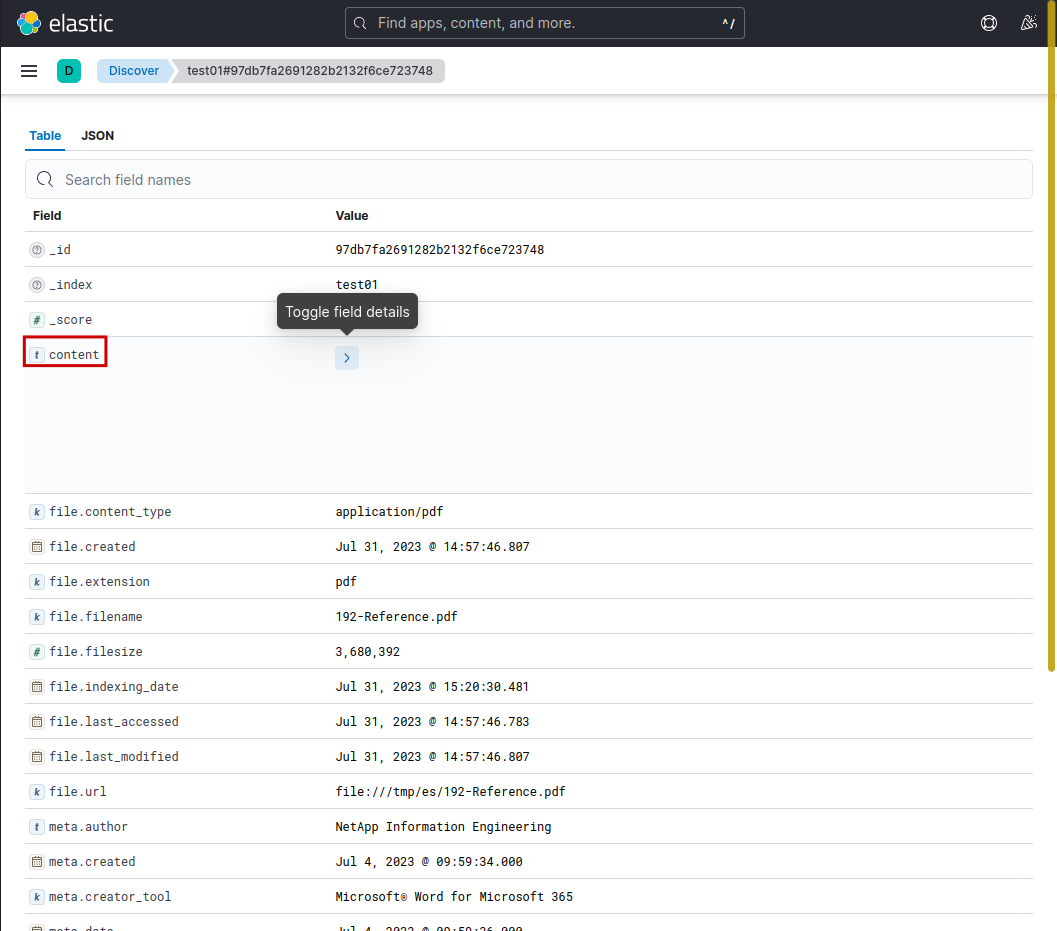
Here's how text look like. Obviously it won't always look pretty. This document was electronically created, so OCR probably wasn't even necessary - maybe FSCrawler used simple text extraction.
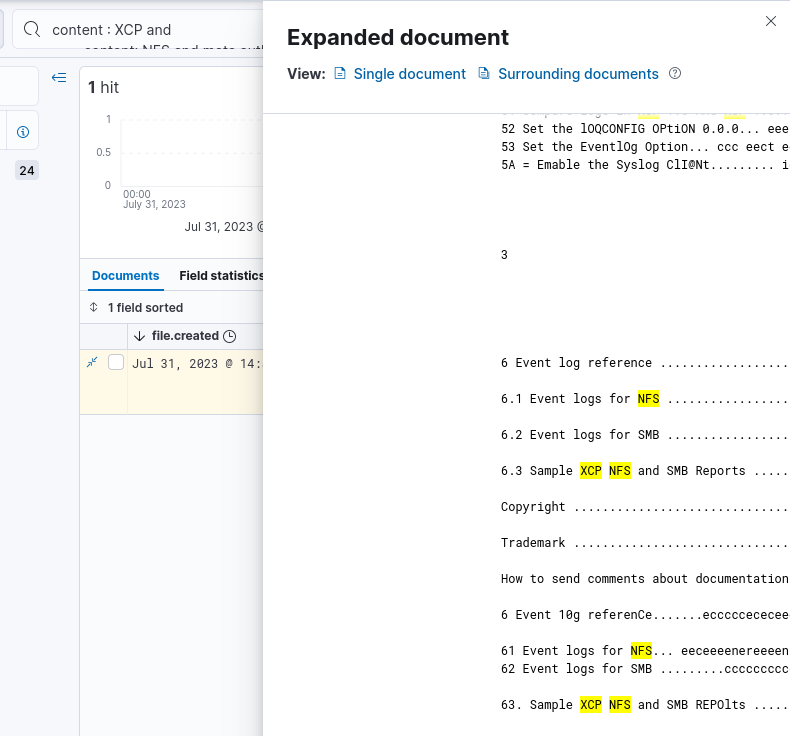
But there are other useful details about the files (metadata) which can help us find rarely accessed files, search by date of creation, indexing, and more.

You can see the full list in the FSCrawler documentation.
What doesn't work or is missing
Many things! And that's normal for smaller open source projects. As they say, contributions are welcome.
Generally speaking, if your use case is narrow and requires limited functionality, you may not encounter issues that bother you.
Even after some development, FSCrawler may deliver everything you need and still be significantly cheaper than any of the more powerful, commercial alternatives.
Use cases
While FSCrawler is clearly useful, most enterprise-style user requirements will need commercial alternatives.
But if you need a low-cost, "best effort" approach that may be limited but it costs little to run, FSCrawler may work for you.
Say, maybe you run BeeGFS and need FSCrawler to occasionally check for sensitive words in AI data used in training.
Commercial users probably won't find FSCrawler enough feature-rich for that task, but academic researchers may.
Skilled users with Java development skills could improve FSCrawler to be enough for their needs.
Conclusion
If you have non-critical files you need to analyze and search from a compliance or security (passwords, credentials…) perspective, FSCrawler may be enough for you.
There are several open source projects with similar features. Some focus on generic content search, others on analytics, yet others on security and SIEM.
Commercial users - especially in highly regulated sectors - will likely need a commercial offering such as NetApp Cloud Data Sense or similar.